Fix this screen
Here's a checkout form with real usability problems. Pick the changes you'd make, then hit Apply my fixes to see if the screen (and I) agree with you.
Behind the pixels
Drag the handle across a real screen from Platform Operations Portal to peel back the surface and see the decisions underneath.
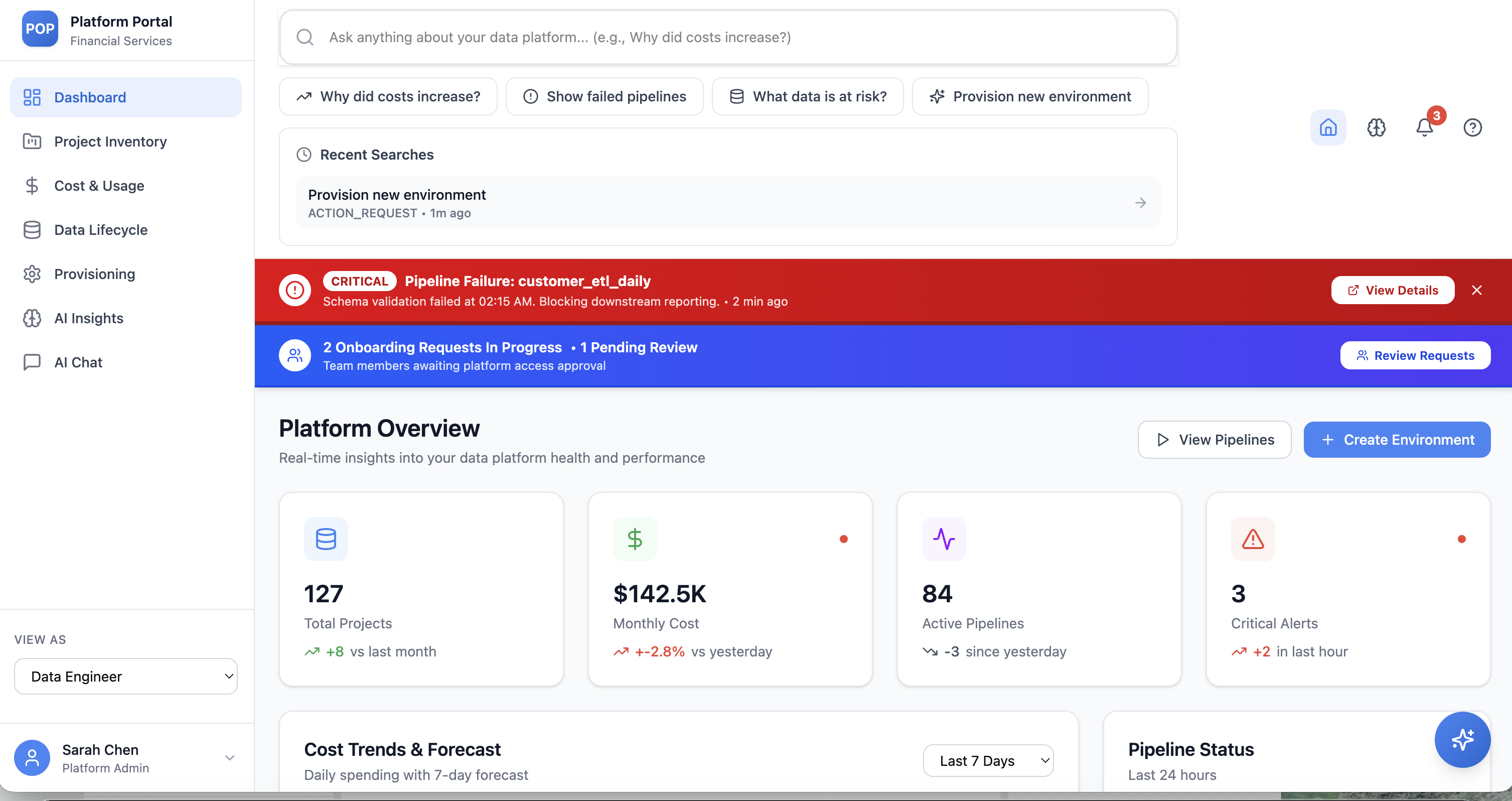
← drag to reveal the thinking →
A day in my life
My actual routine, animated — all 18 moments from 7:00 AM to lights out. Tap the dots to jump to any routine, use ← → to step through, and hit play lofi for the soundtrack.

Make something
A shared canvas of shapes and colour. Click a square to cycle through forms, drag to paint across the grid. Bauhaus rules: circles, arcs, triangles, bars — nothing else.
click to cycle shapes · drag to paint · your wall saves itself
Leave a note
Say hi, leave feedback, or drop a terrible design pun. Notes are saved in your browser — so this wall is yours.