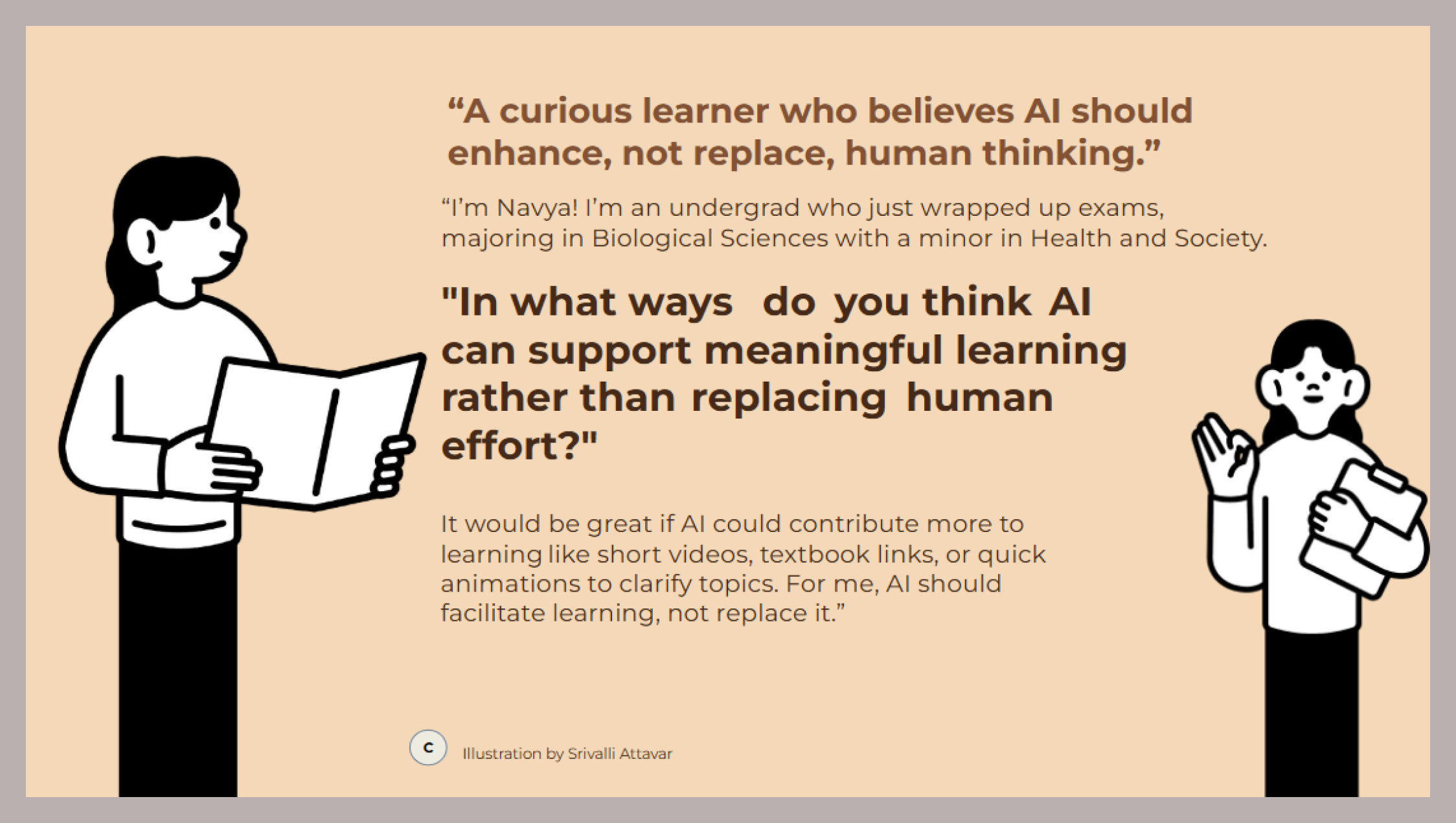
Trust is fragile. Conflicting AI responses and lower grade outcomes reduced students' trust in AI-only learning.
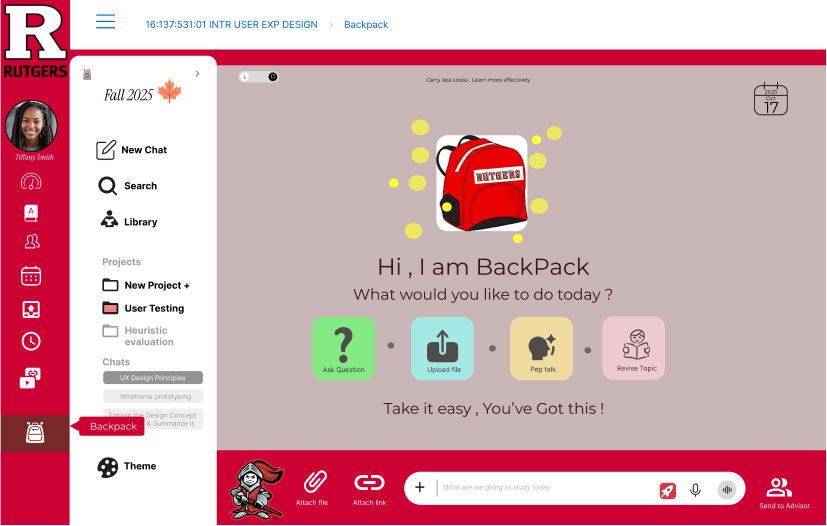
An AI study companion built into the Rutgers dashboard — helping students carry less stress and learn more effectively.
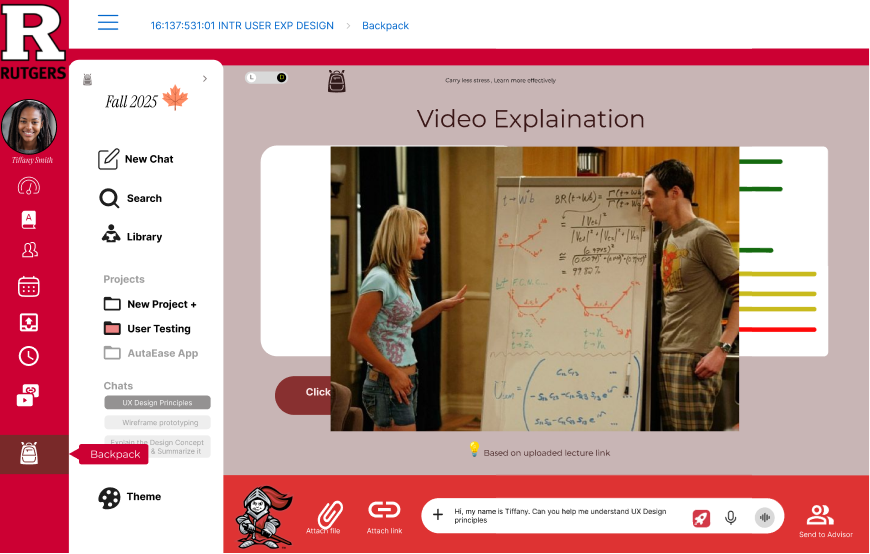
"Hi, I am BackPack — what would you like to do today?" — the working prototype in action.
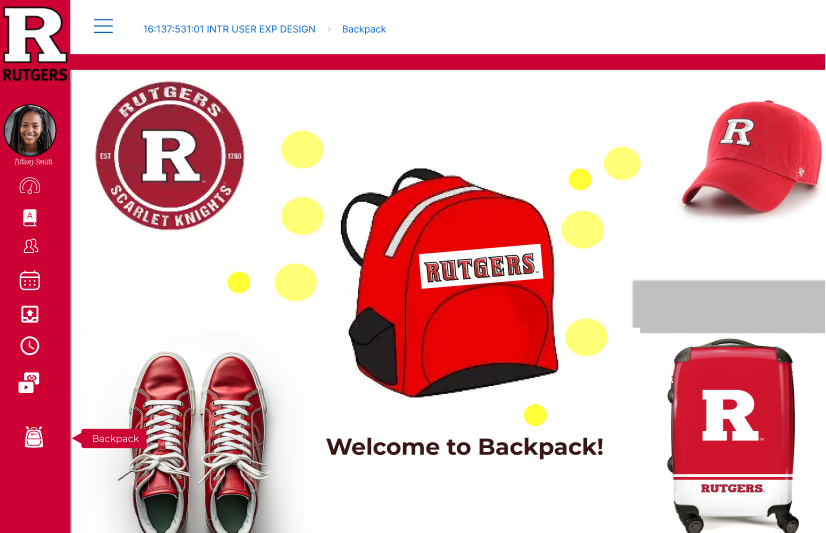
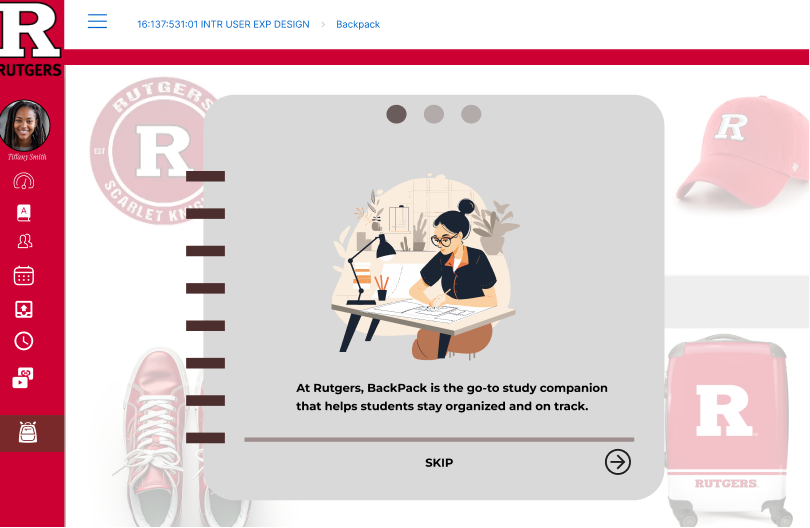
Backpack helps students stay organized, confident, and stress-free — built right into the Rutgers dashboard they already open every day.
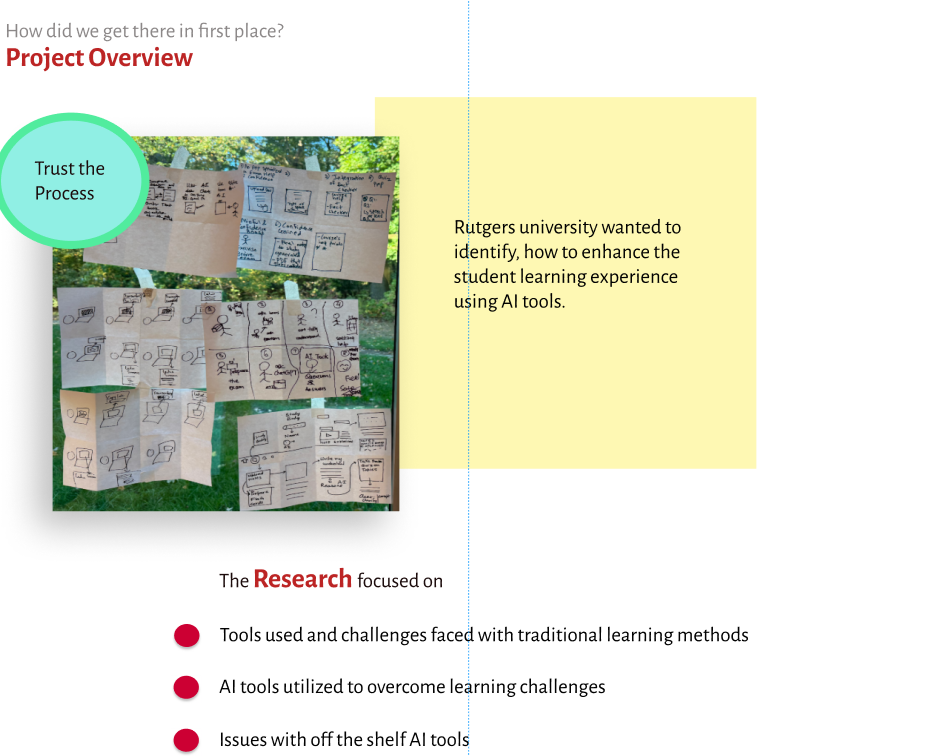
Rutgers wanted to enhance the student learning experience using AI tools.
An AI study companion embedded as a component of the Canvas dashboard.
Designer on a team of four — research, flows, wireframes, and high-fidelity UI.
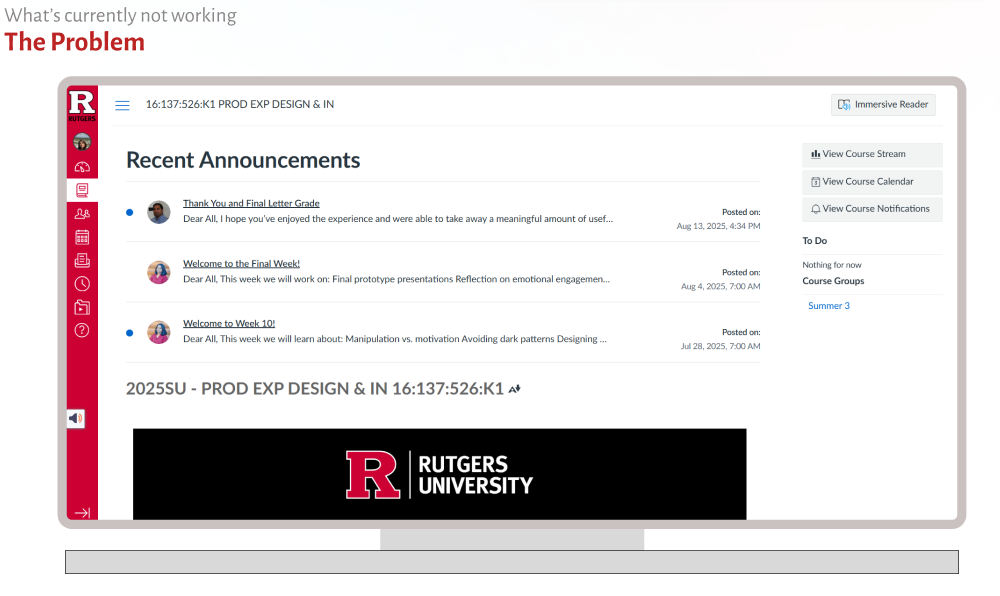
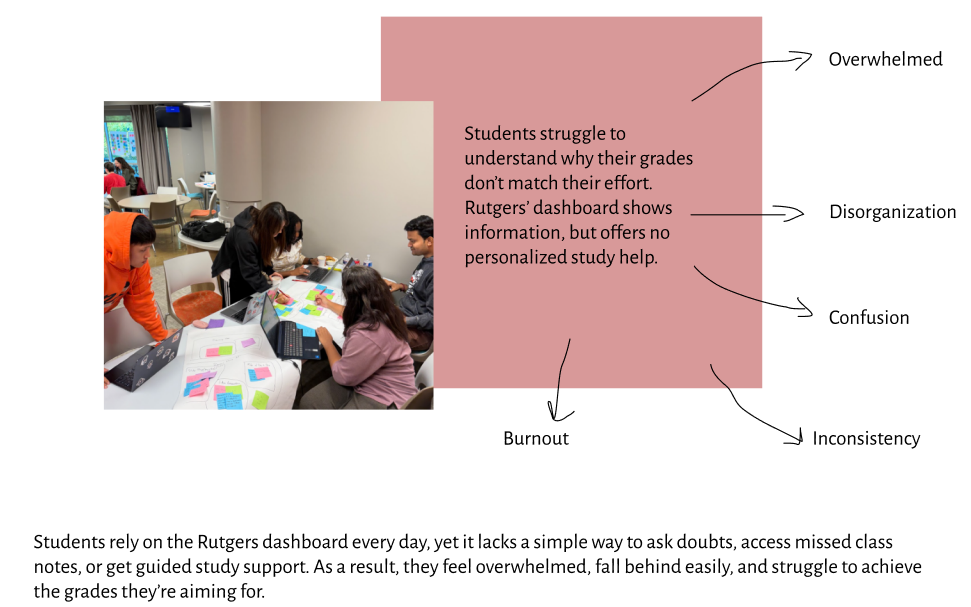
Students rely on the Rutgers dashboard daily, yet it lacks a simple way to ask doubts, access missed notes, or get guided study support.
So they feel overwhelmed, fall behind easily, and struggle to reach the grades they're aiming for.
"Students struggle to understand why their grades don't match their effort."

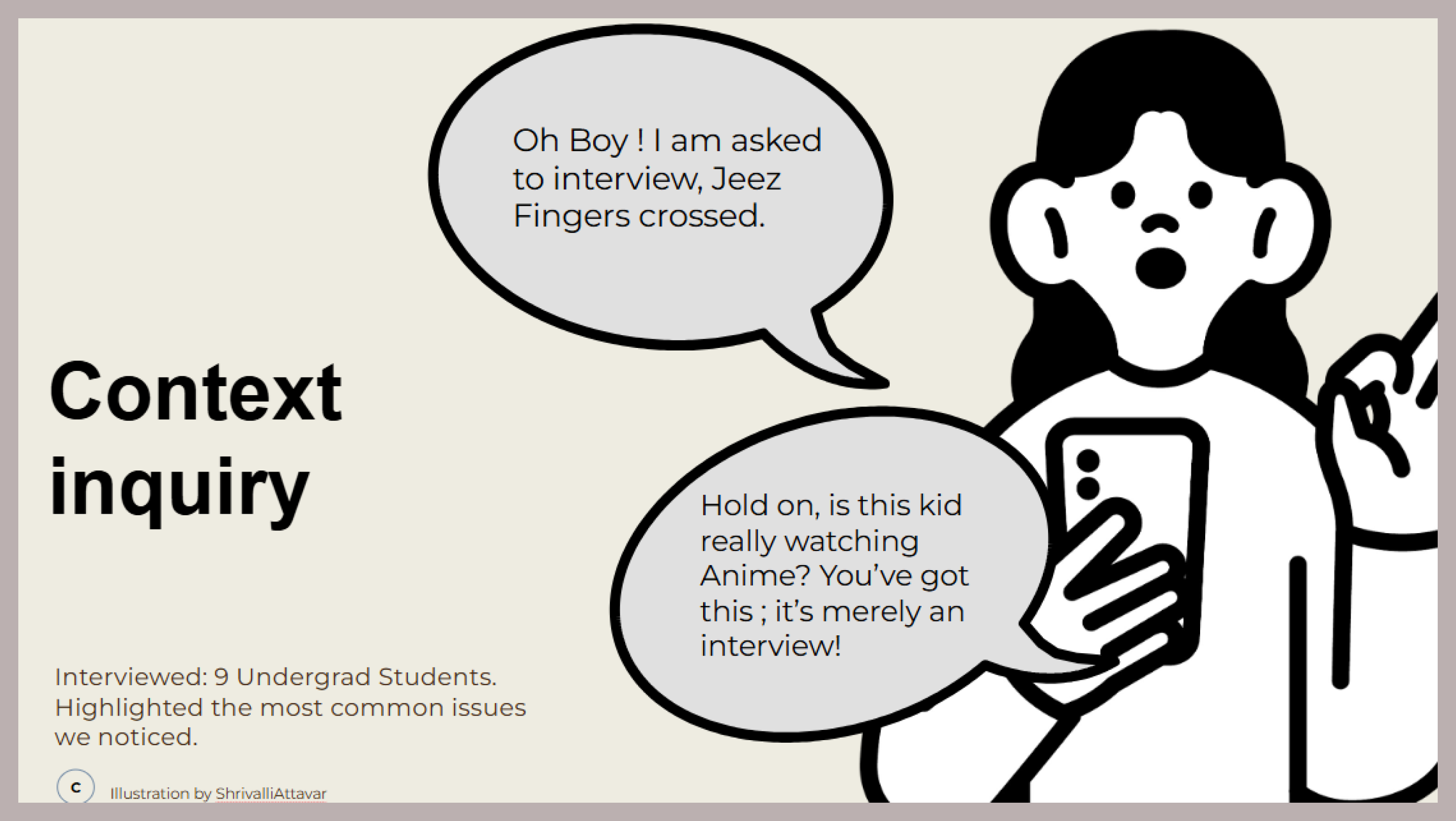
Research covered the tools and challenges of traditional learning, how students use AI to cope, and the issues with off-the-shelf AI tools — grounded in interviews with 9 undergraduates.


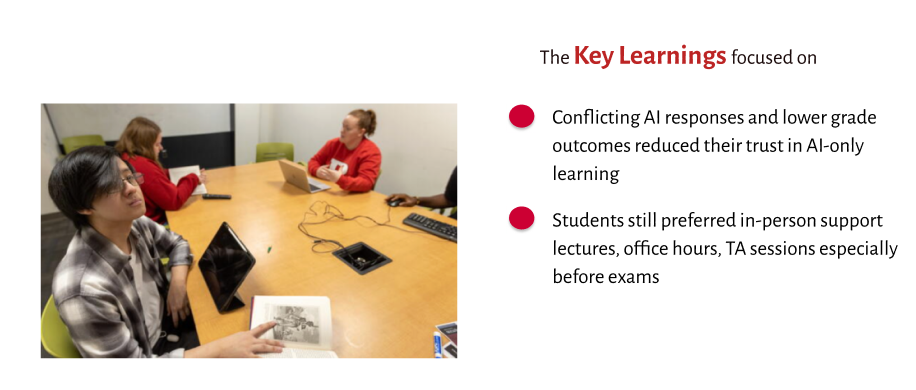
Trust is fragile. Conflicting AI responses and lower grade outcomes reduced students' trust in AI-only learning.
People still matter. Students preferred in-person support — lectures, office hours, TA sessions — especially before exams.
Off-the-shelf falls short. Generic tools don't know the course, the syllabus, or what was actually taught.


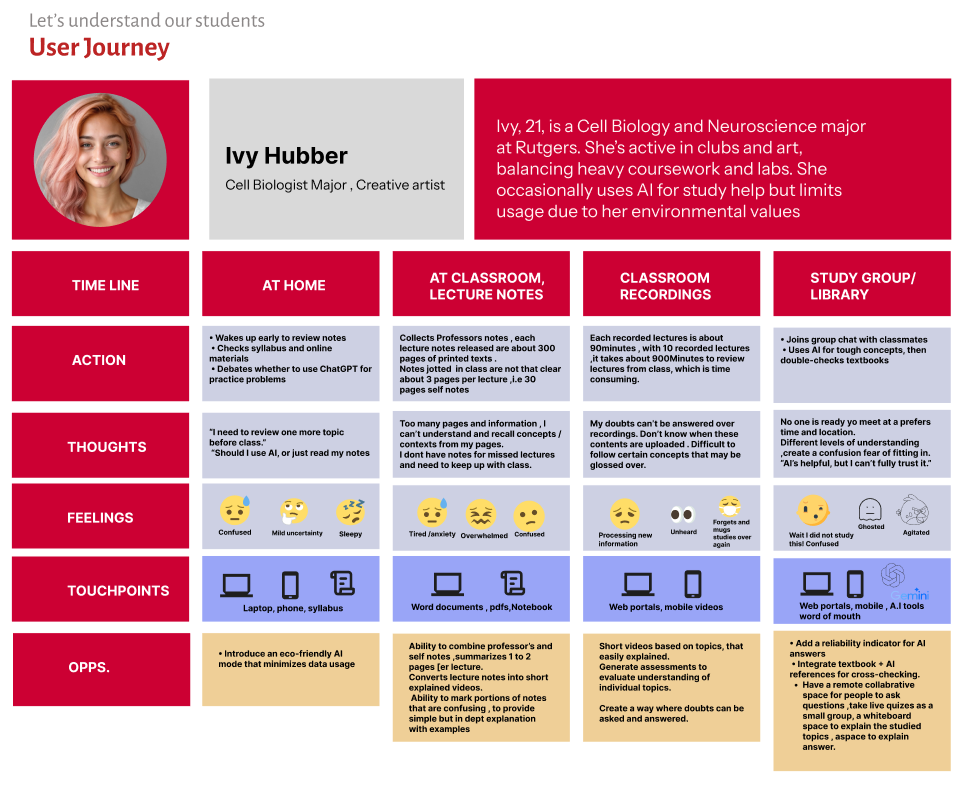
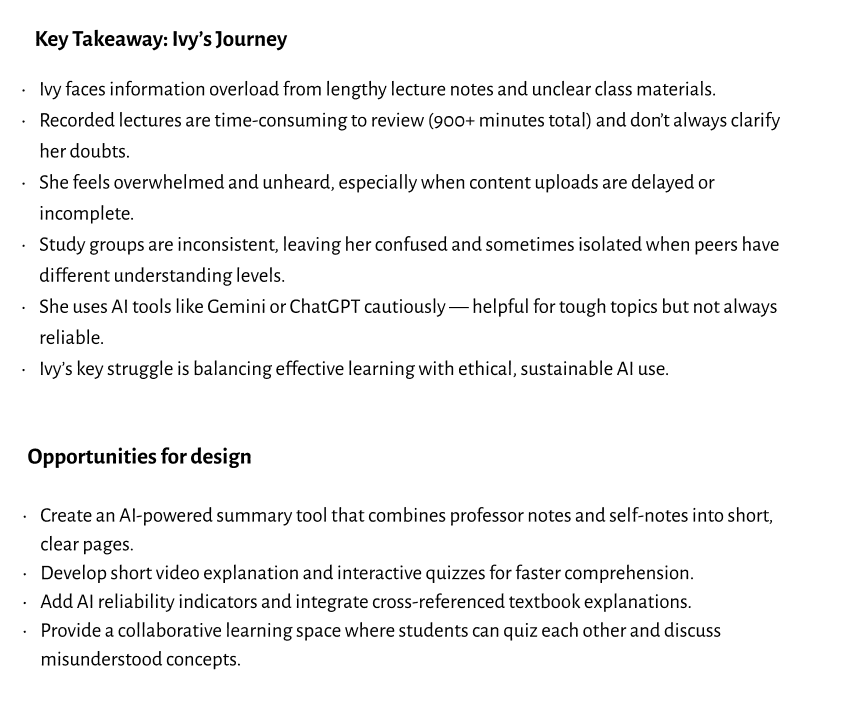
Ivy faces information overload from 300-page lecture notes, and 900+ minutes of recordings to review. She feels overwhelmed and unheard when uploads are delayed, and study groups are inconsistent.

The research pointed to clear openings — each one a chance to cut overwhelm and rebuild trust.

Combine professor notes and self-notes into short, clear pages.
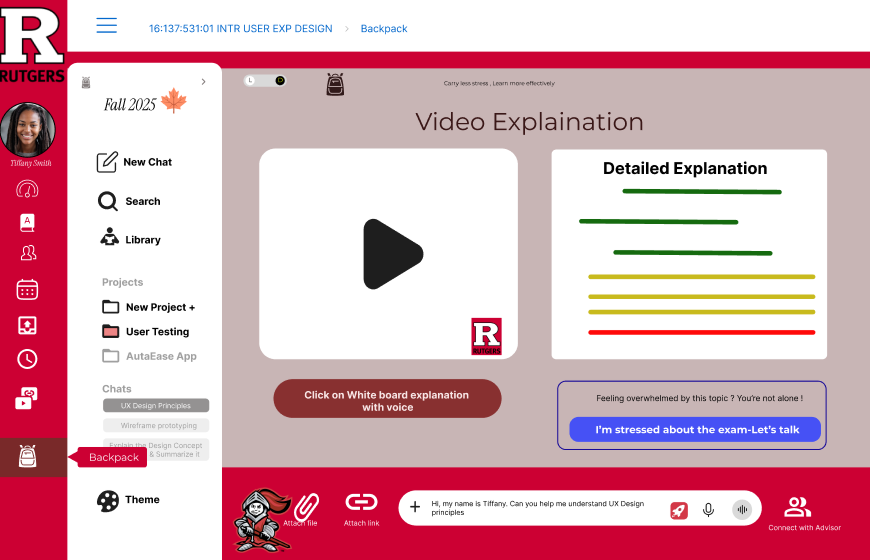
Short video explanations and interactive quizzes for faster comprehension.
AI reliability indicators plus cross-referenced textbook explanations.
A collaborative space where students quiz each other and discuss misunderstood concepts.
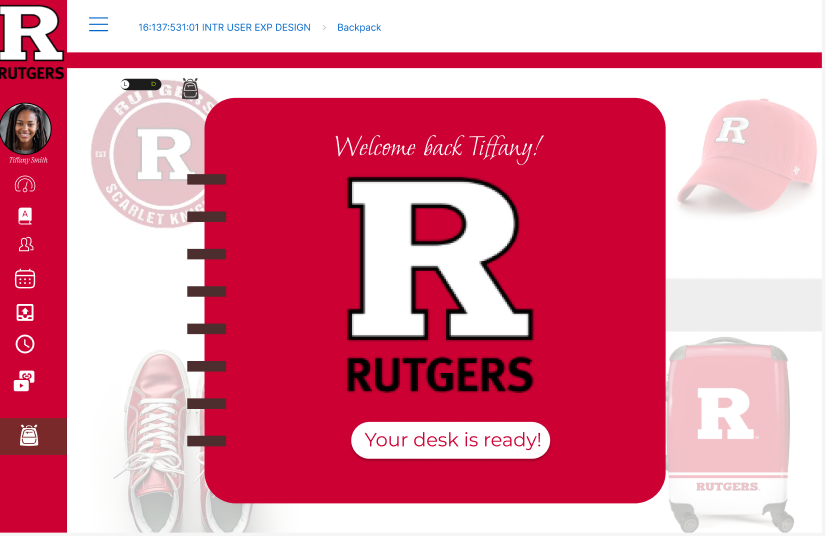
A supportive space to revisit concepts, catch up on missed notes, and get clear, reliable guidance whenever classroom help isn't available. Students onboard by choosing courses and setting simple study goals.


When students hit their limit, the Rutgers-built helper breaks the problem into small, guided steps.
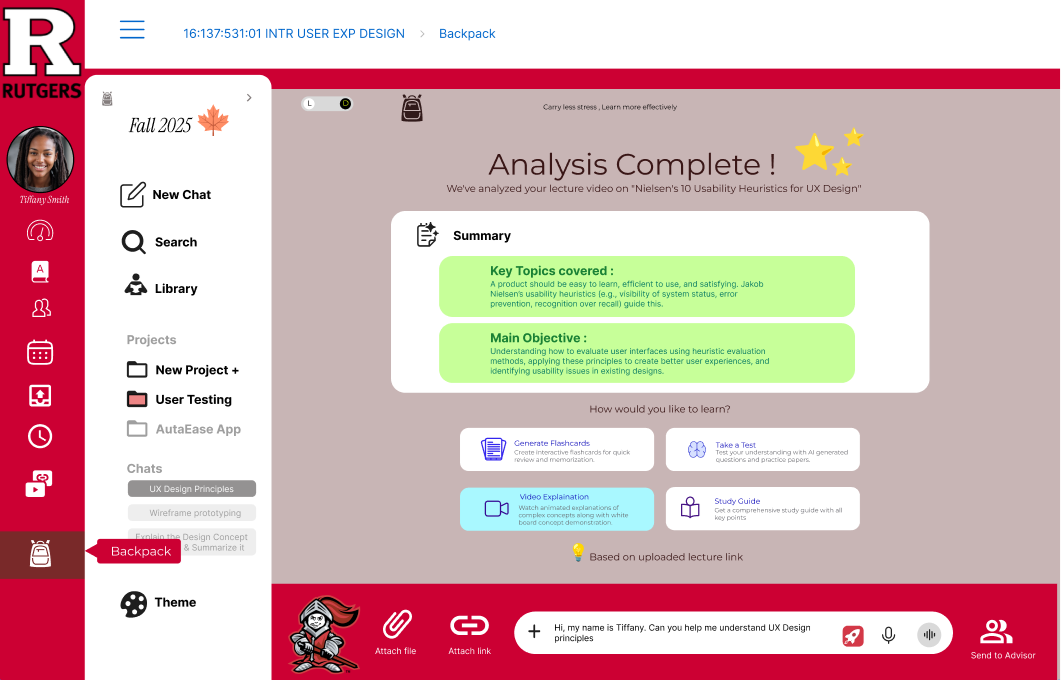
Upload lecture notes; Backpack extracts, summarizes, and explains them in multiple formats.
A reach-out tool to connect with a TA, advisor, or campus counselor.
An assessment-driven approach that surfaces weak points needing more practice.


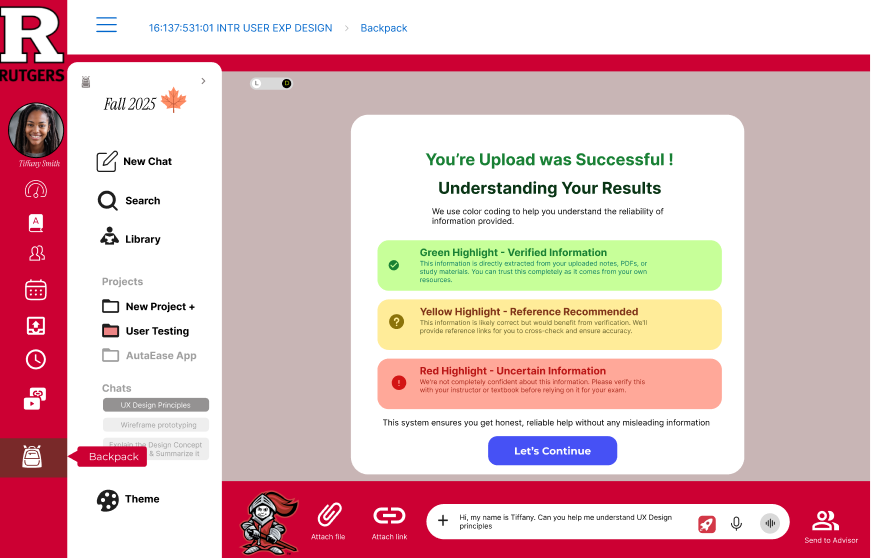
Every answer is color-coded: green = verified from university resources, yellow = cross-check recommended, red = uncertain (scraped from forums).
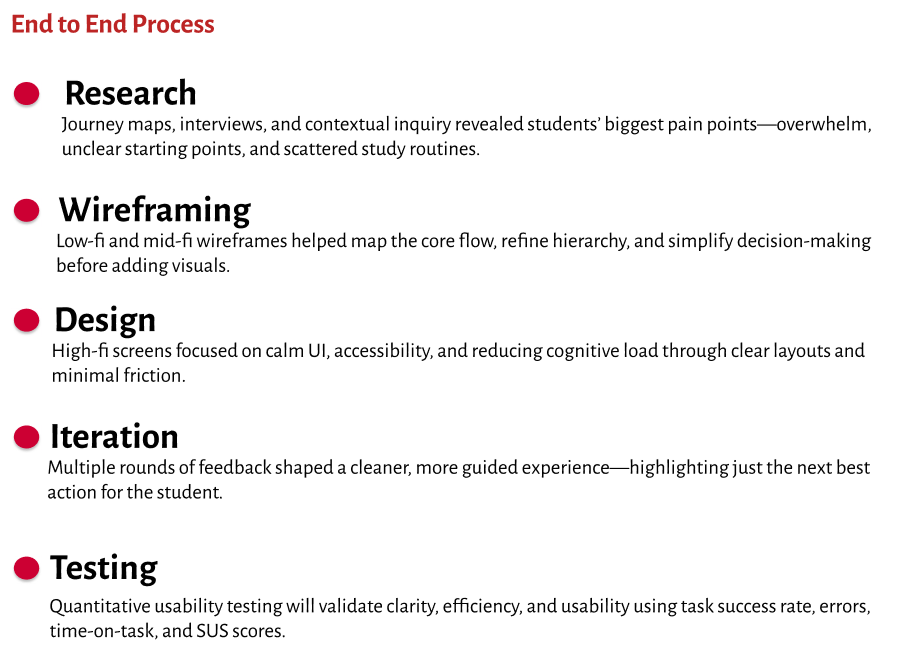
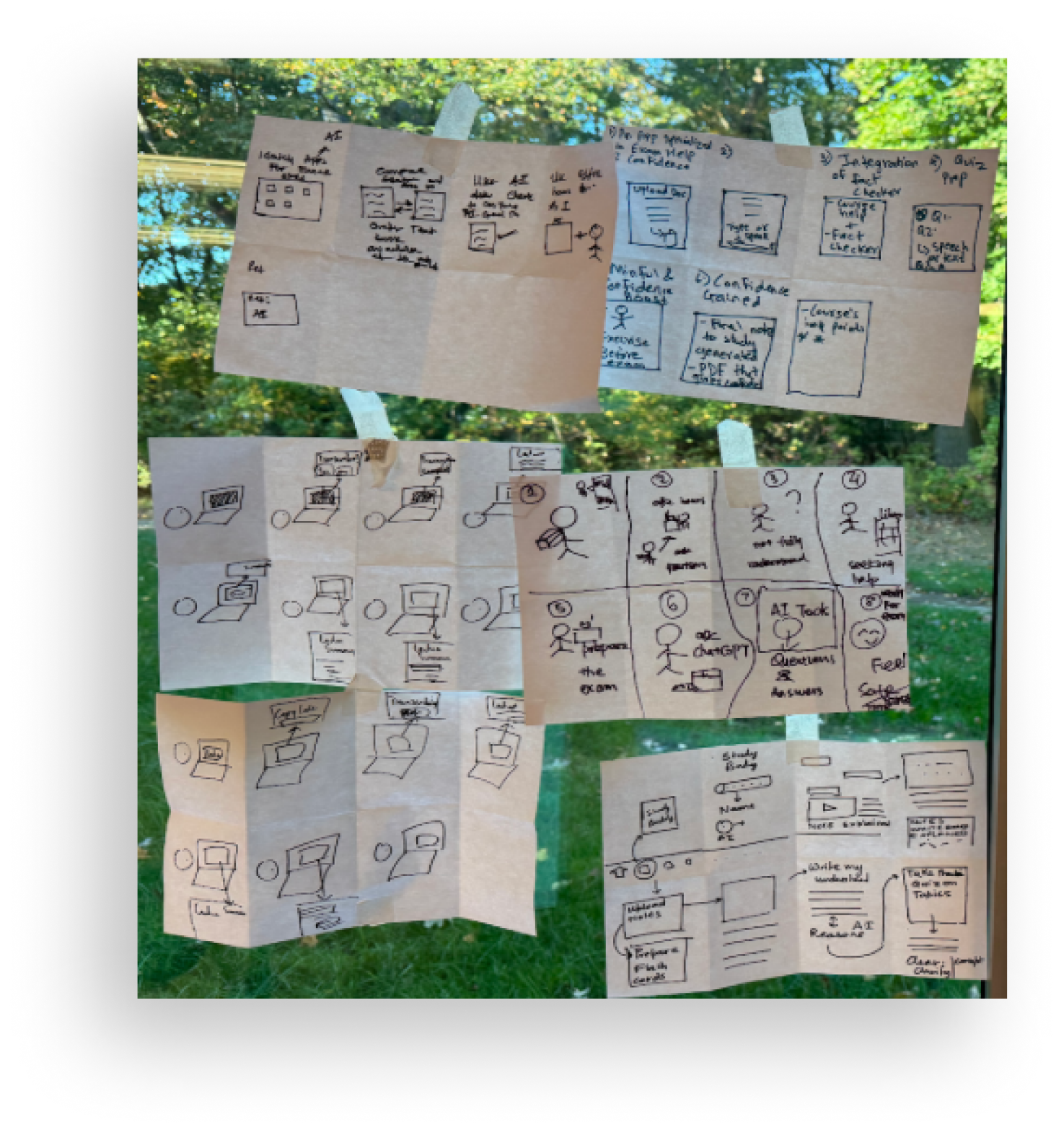
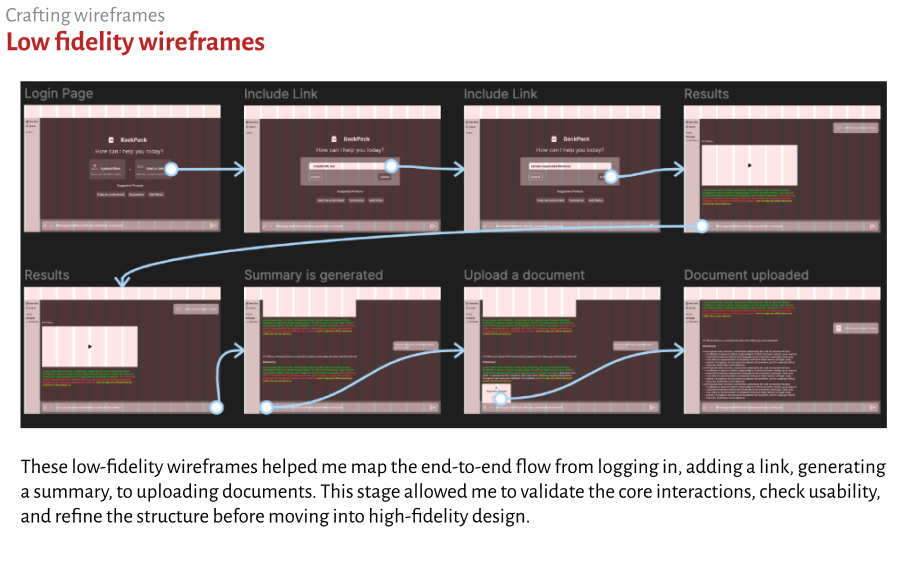
Low- and mid-fi wireframes mapped the end-to-end flow — log in, add a link, generate a summary, upload documents — to validate the core interactions before adding visuals.


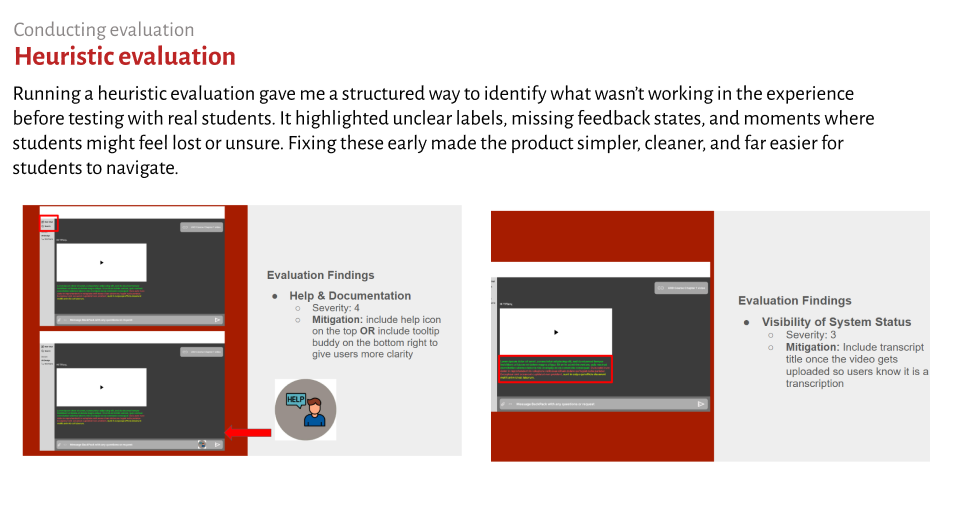
Running a heuristic evaluation gave me a structured way to find what wasn't working before testing with students — unclear labels, missing feedback states, and moments where students might feel lost.

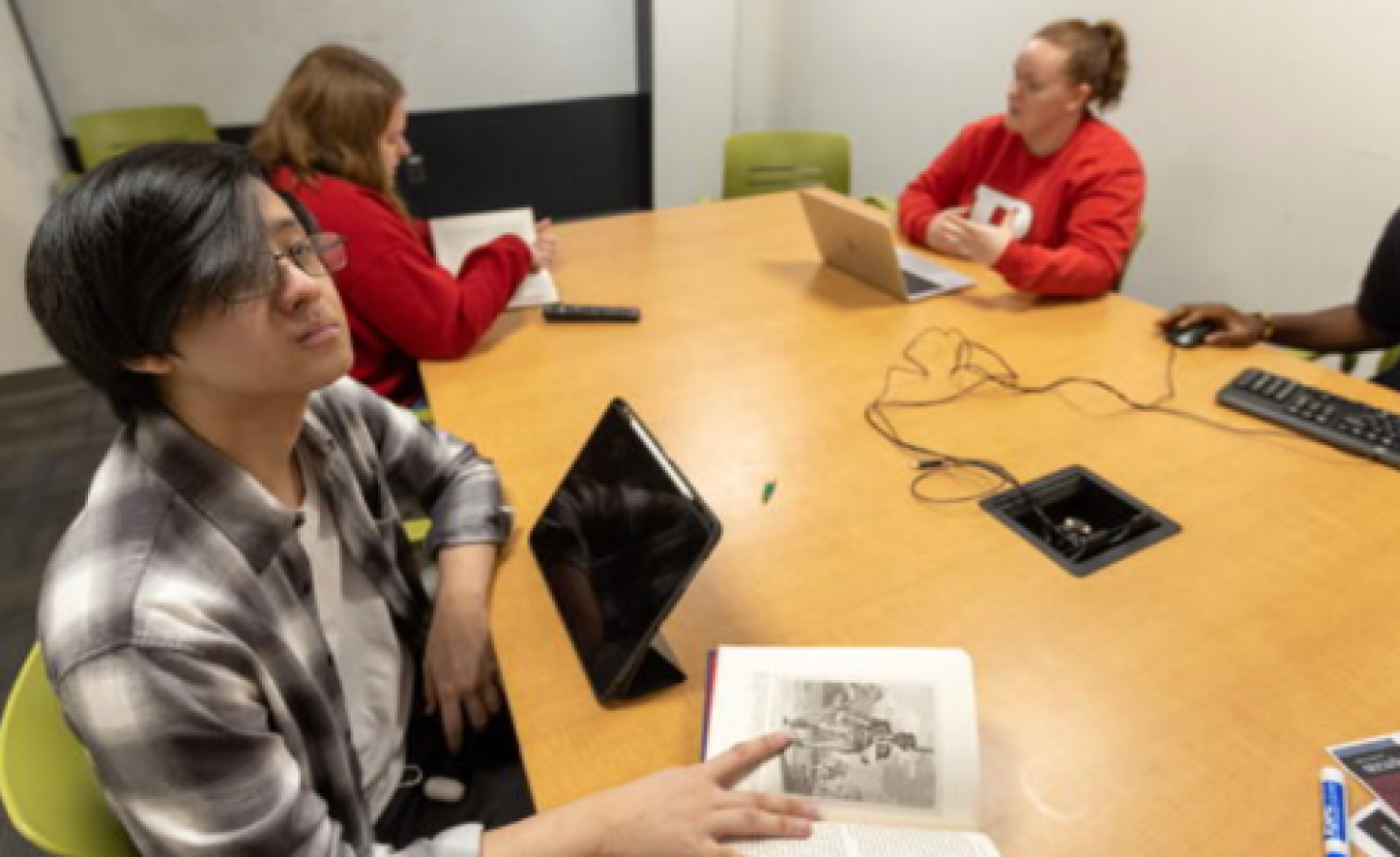
I ran moderated sessions with students, walking each one through core tasks — onboarding into Backpack, uploading a lecture file, asking a question, and reading a color-coded answer. Watching where people hesitated showed me which labels were unclear and where a little reassurance was needed. The biggest signal: students trusted the tool far more once the reliability colors and sources were visible, and they moved faster when each screen surfaced just the next best action. Those rounds of feedback directly shaped the final, calmer flow.

Reducing cognitive load is a design decision — not a default.
The throughline across research, wireframing, design, and iteration was calm: surface only what the student needs next, and make the AI honest about what it knows. Trust came from restraint and clear reliability cues, not from more features.
Next: quantitative usability testing — task success rate, errors, time-on-task, and SUS — to validate clarity and efficiency with real students.