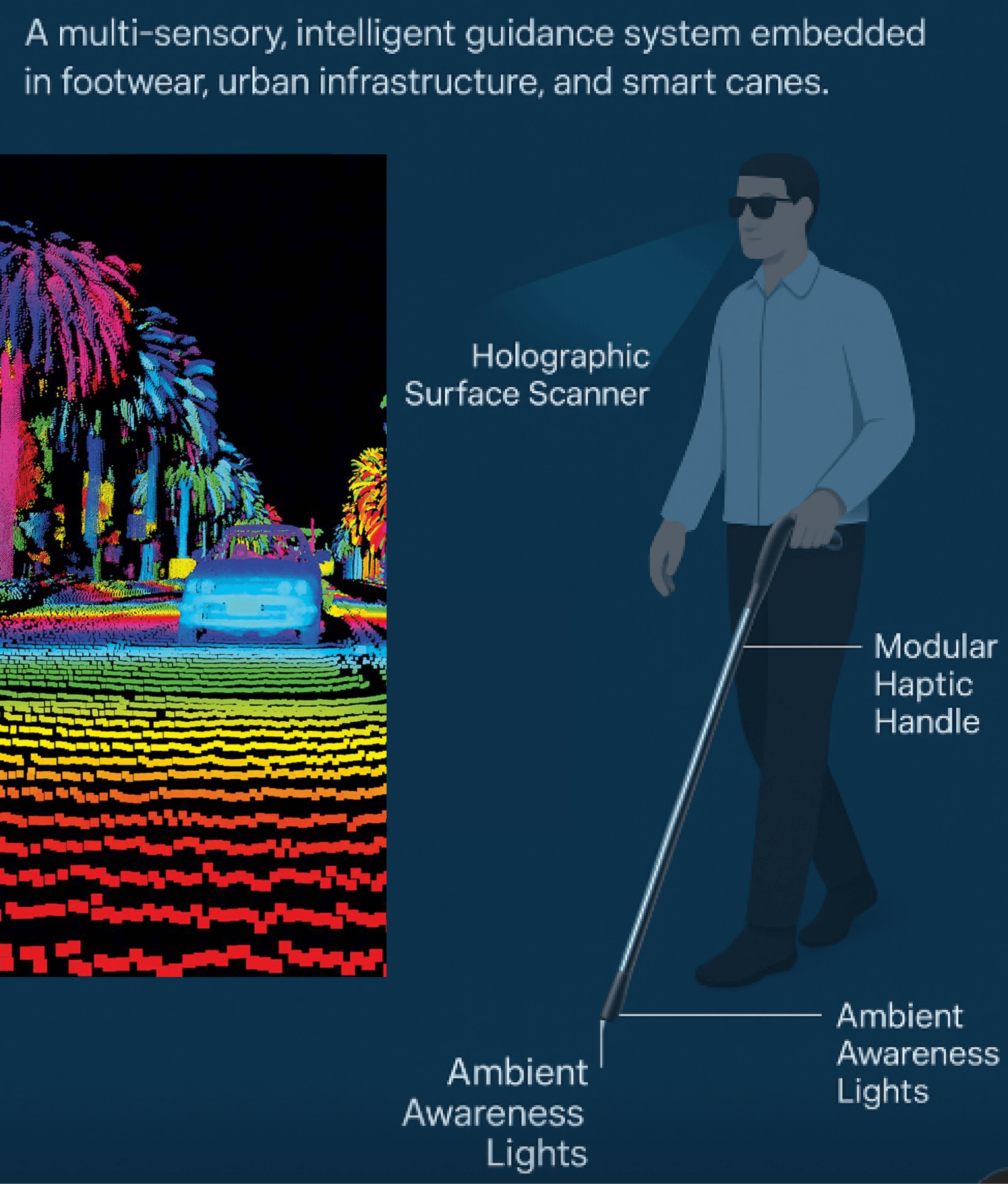
LiDAR-driven mapping, a tactile braille panel for live info, a retractable tip, gesture + voice control, and an ambient safety LED.
A gamified mobility tool that empowers visually impaired users to navigate safely and independently — turning everyday navigation into a real-life game.
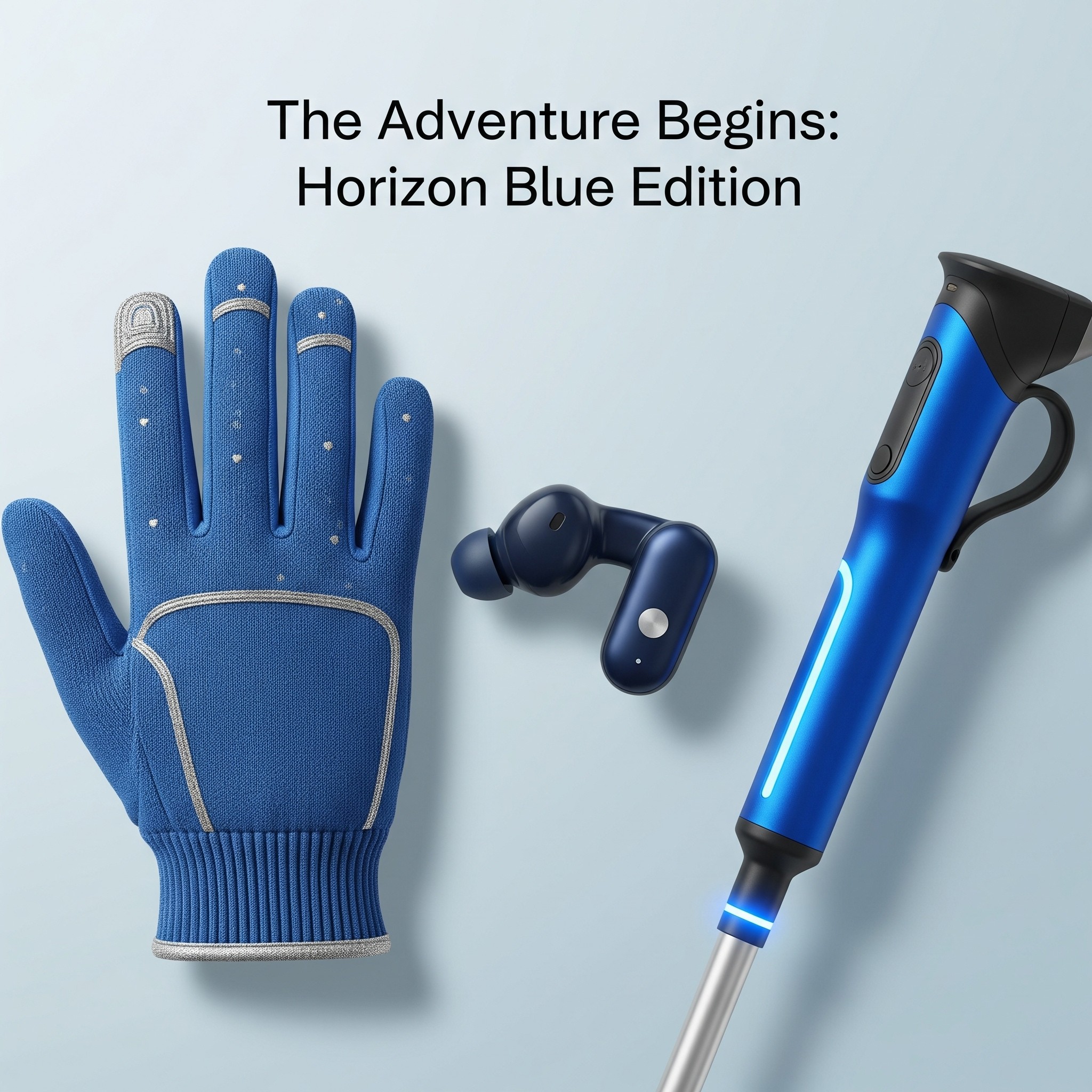
PathFinder+ — assistive mobility training, made engaging.
Designed with smart wearables and a rewards system, PathFinder+ helps visually impaired users overcome daily obstacles, build confidence, and navigate independently — while keeping the journey engaging.
A Rutgers Product Framing & Prototyping project exploring accessibility-first design.
A mobile app paired with a smart cane, haptic gloves, and audio earbuds — synced to the city.
Concept development, interactive prototyping, AR models, and lo-fi usability testing.
Visually impaired users need to build spatial confidence, but real-world practice is noisy, unpredictable, and risky.
Accessible mobility-training tools are scarce, leaving a gap between wanting independence and feeling safe enough to try.
aged 40+ live with vision impairment (≈1M with blindness) — a number predicted to more than double by 2050, alongside ~3% of children under 18.
Overwhelming street sound makes it hard to orient and stay confident.
Accessible mobility-training options are limited — practice rarely feels safe.
Obstacles and unsafe crossings create real anxiety about traveling alone.

Riley is confident indoors but anxious in unfamiliar, busy places. She wants to build spatial awareness, practice before real trips, and rely on haptic + audio cues — without needing a sighted guide.
Secondary research, competitive analysis, a WCAG heuristics audit, and four in-depth interviews with visually impaired users and accessibility experts shaped every decision.
Practice indoors with AR-generated routes and obstacles, guided by voice and haptics.
LiDAR recognition + environmental mapping translate surroundings into real-time audio and tactile feedback.
Each task unlocks points, badges, and levels — turning skill-building into a fun challenge.
Spatial sound, haptics, and simple gestures replace visual screens for low-vision and blind users.
Riley practices a route to a new café in Simulation Mode before trying it live — earning Mobility Points and a "Café Explorer" badge.
↔ scroll to follow the mission flow
Wearables work together — the cane senses, the gloves guide, the earbuds narrate — so navigation happens through sound, touch, and gesture, not a screen.
LiDAR-driven mapping, a tactile braille panel for live info, a retractable tip, gesture + voice control, and an ambient safety LED.
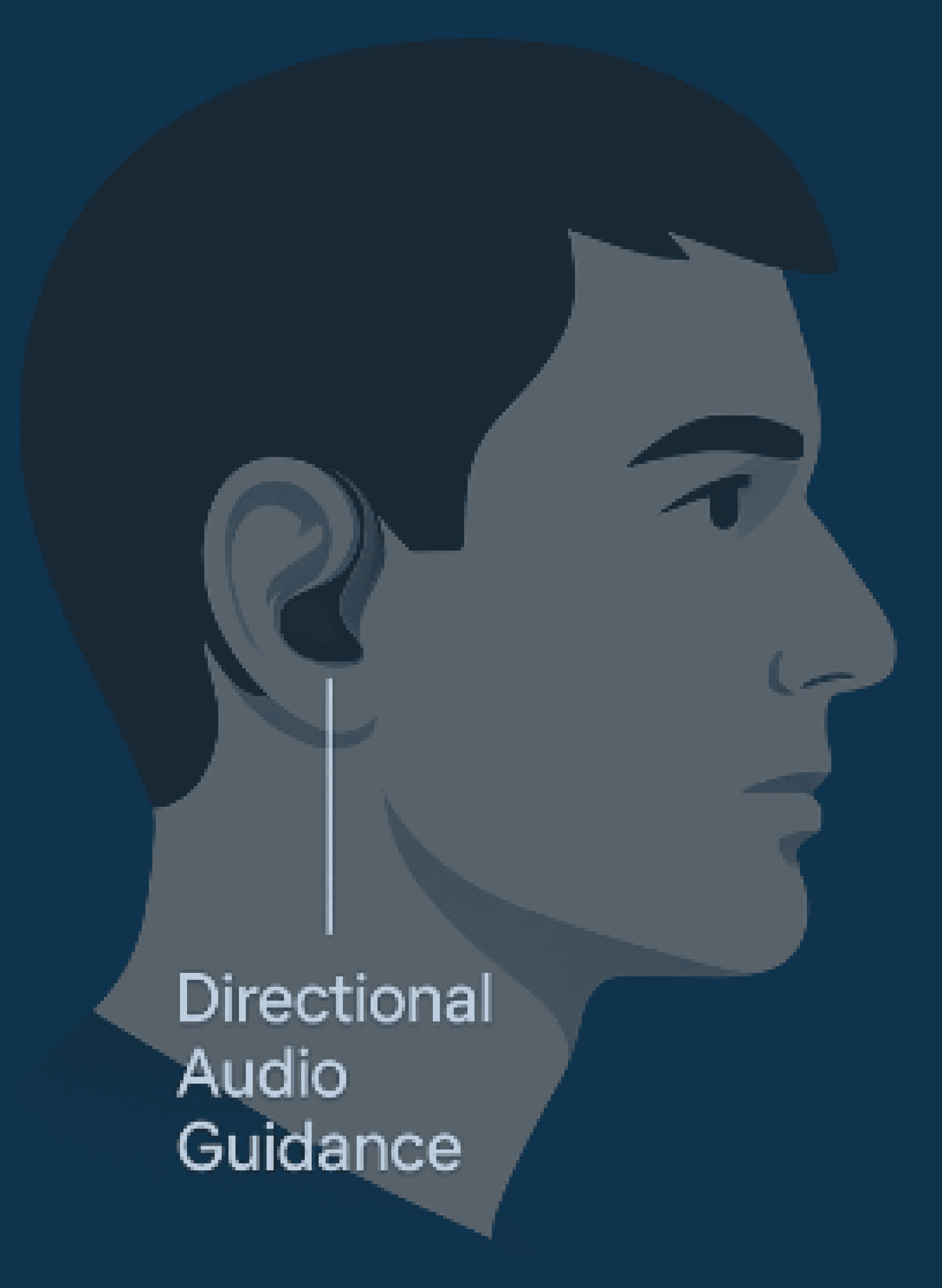
3D directional audio points toward landmarks, AI noise-filtering clears urban sound, and an emergency mode sends an SOS with a GPS ping.
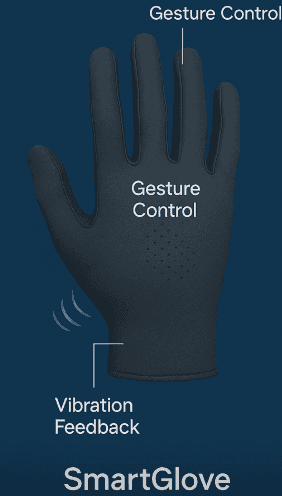
Left/right vibration for turn-by-turn, gesture commands, and a finger sensor that reads buttons, signs, and objects.


Remote moderated sessions with visually impaired adults, Maze task-flows, and a WCAG accessibility audit drove iteration — heatmaps refined CTA placement and engagement.
Accessibility heuristics evaluated against WCAG standards from the first wireframe.
Four in-depth interviews plus moderated usability sessions on the lo-fi prototype.
GPS/AR drift, latency, and battery were treated as constraints, not afterthoughts.
Accessibility has to be designed from the ground up.
Small details — haptic feedback, voice timing — make an enormous difference, and balancing innovation with simplicity is everything. Gamification turned mobility training into something genuinely empowering.
Most of all, working closely with users reminded me that inclusive design is about dignity, independence, and joy. The AR companion for Riley is still in progress, to be integrated into the app.